Brand Kit
The marks, colors, and type behind Threat Level Throttle. Grab what you need — no need to ask. Just don't stretch the gauge or repaint the volt.
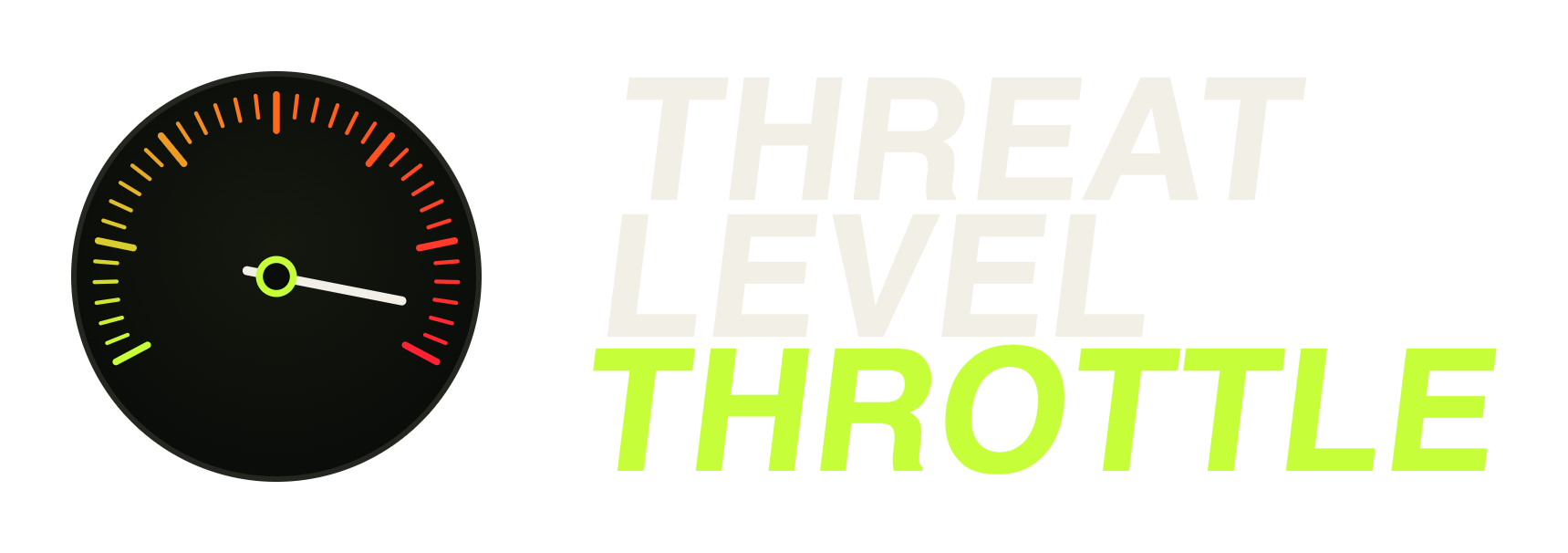
Primary lockup
1764×792Gauge + stacked wordmark. The default — use this when there's room.
Download PNG
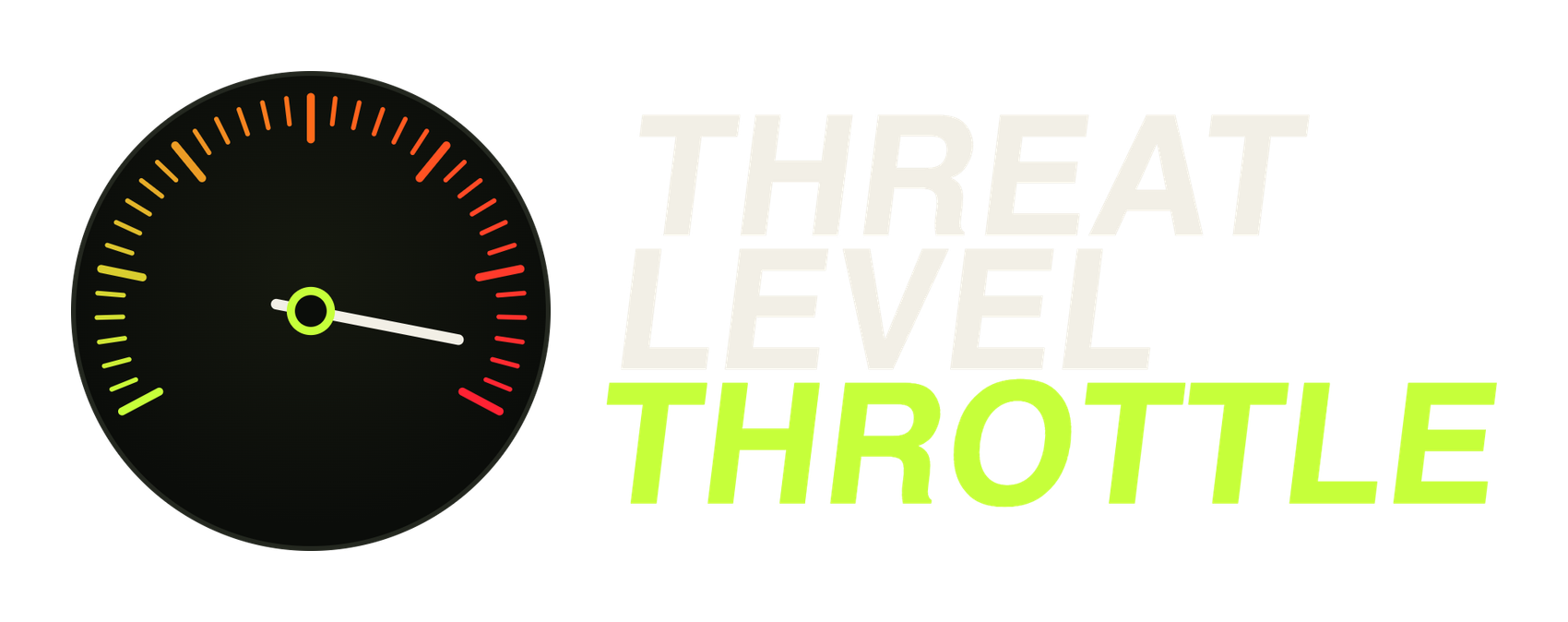
Horizontal lockup
1586×600Gauge beside the wordmark. For wide, short spaces — headers, banners.
Download PNG
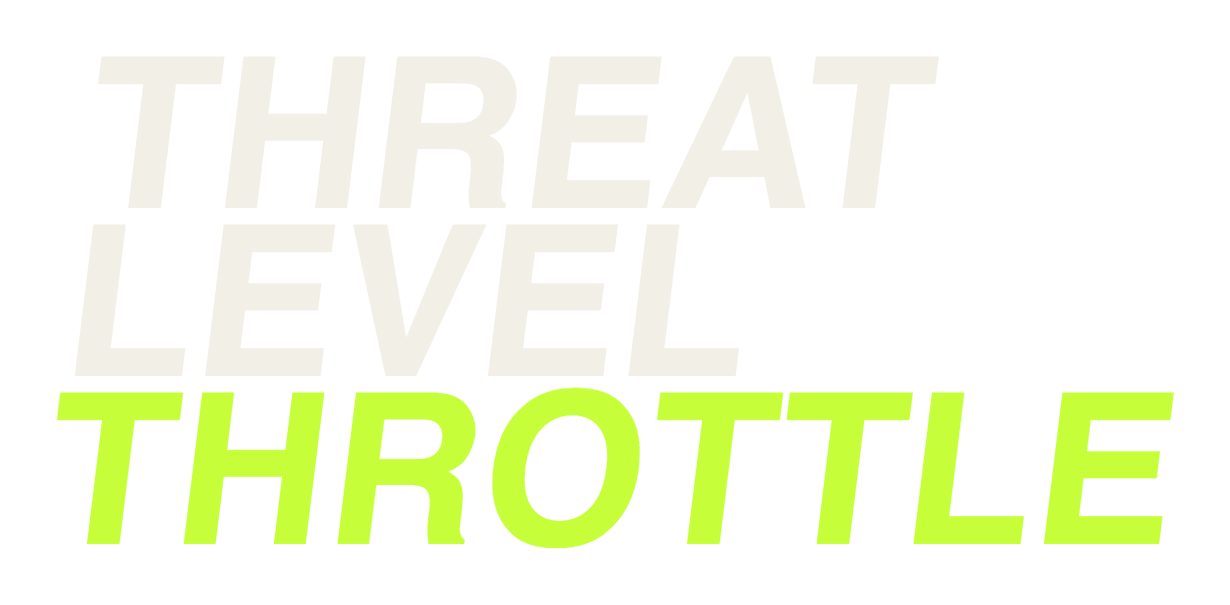
Wordmark
1269×846Type only, no gauge. When the mark reads as the logo on its own.
Download PNG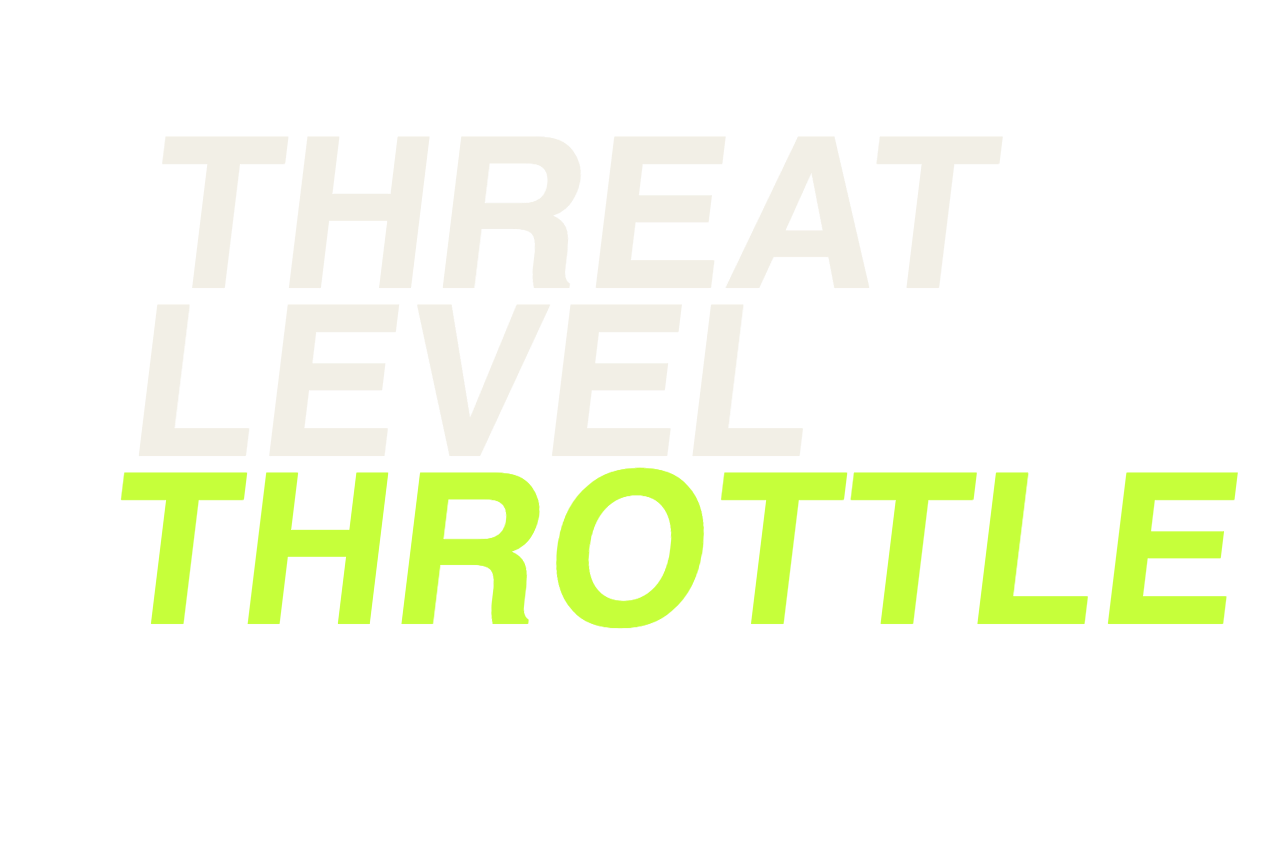
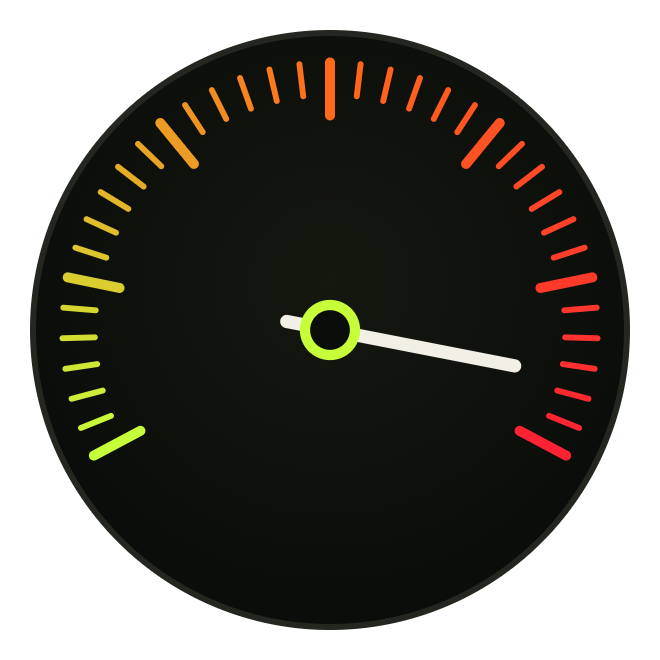
Gauge icon
840×840The tachometer alone. App tiles, favicons, tight square spaces.
Download PNG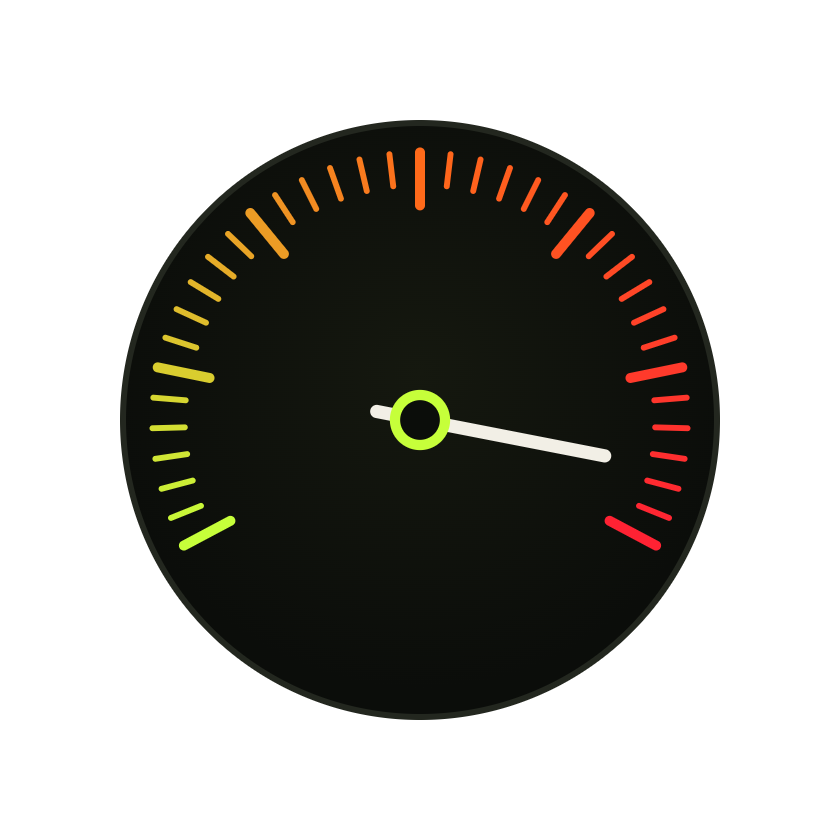
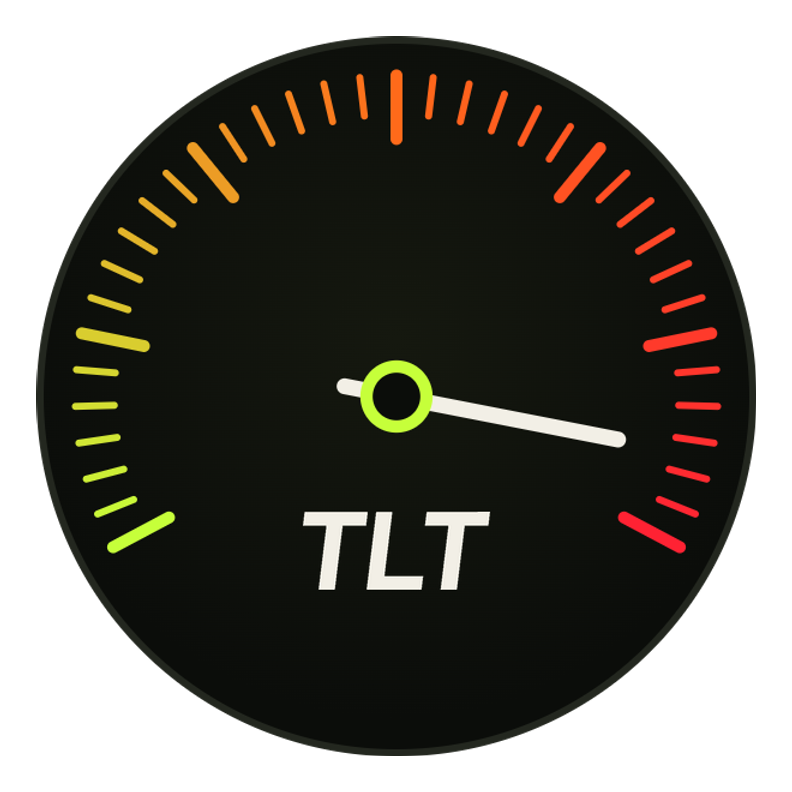
Avatar
800×800Gauge + TLT, circle-safe. Profile pictures on YouTube and socials.
Download PNG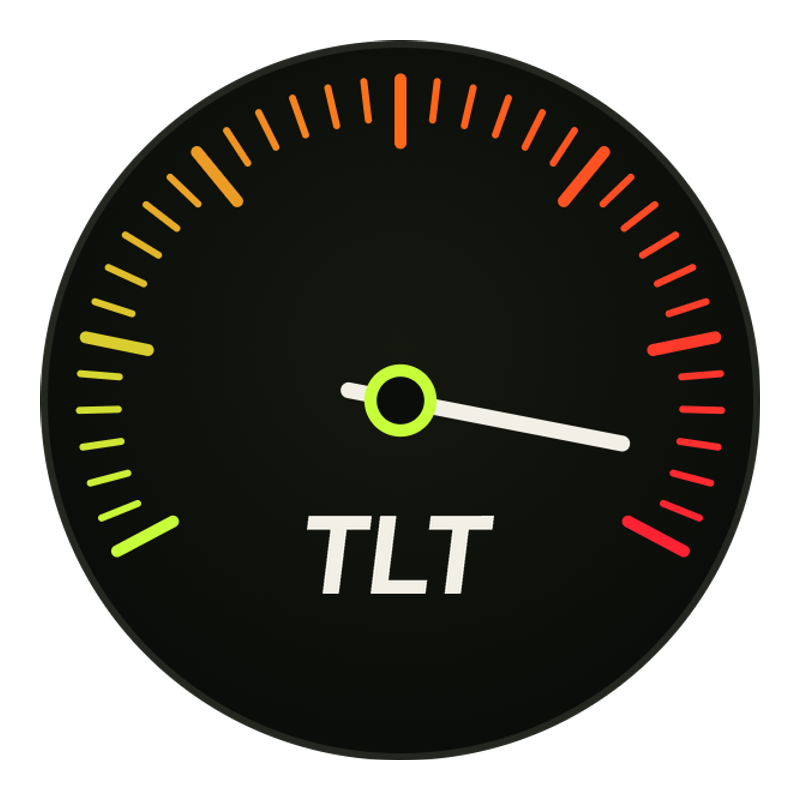
Monogram
800×800Volt tile, black TLT. High-contrast stamp for small or loud placements.
Download PNG

Lower third — Matt
2346×390Name strip with threat meter. Drop over footage at 1080p.
Download PNG

Lower third — Tom
2112×390Name strip with threat meter. Drop over footage at 1080p.
Download PNG
Ink
#0E100D
Background
Asphalt
#12150F
Panels
Asphalt 2
#1A1E15
Raised
Bone
#F2EFE6
Text
Bone Dim
#A7A89B
Muted text
Volt
#C6FF3A
Primary accent
Ember
#FF6A1A
Mid threat
Redline
#FF2233
Max threat
ALL GAS. ALL SEASONS.
Ride within your own threat level
Two guys figuring out motorcycles, one send at a time.
THREAT LVL · RISING
Do
- Give the mark clear space — at least the width of the hub.
- Keep it on ink or asphalt. Dark is home.
- Let volt be the one loud color in the frame.
- Use the avatar for anything that crops to a circle.
Don't
- Recolor the volt or swap the threat-scale hues.
- Stretch, skew, or rotate the gauge.
- Add gradient washes or drop it on busy photos unscrimmed.
- Rebuild the wordmark in a different typeface.